
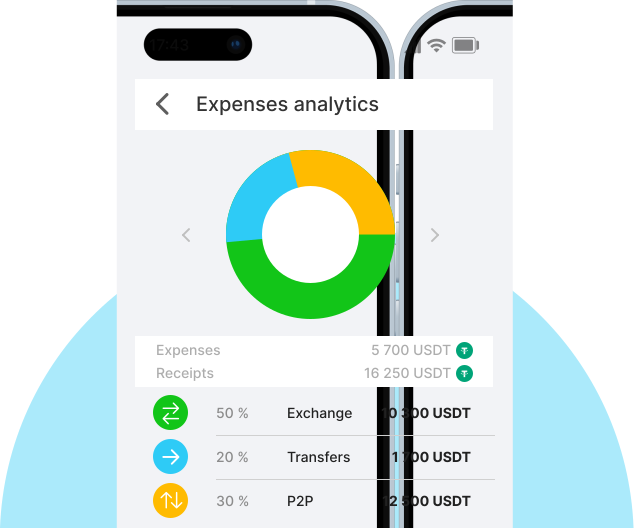
Unlock deep web3 analytics
via full & archive nodes
Gain web3 data without delays with 99,95% uptime, support for 110+ chains, and archive nodes for your dashboards and monitorings.
Average response time
56 ms
Service uptime
99.99%
Daily API requests
100M
-
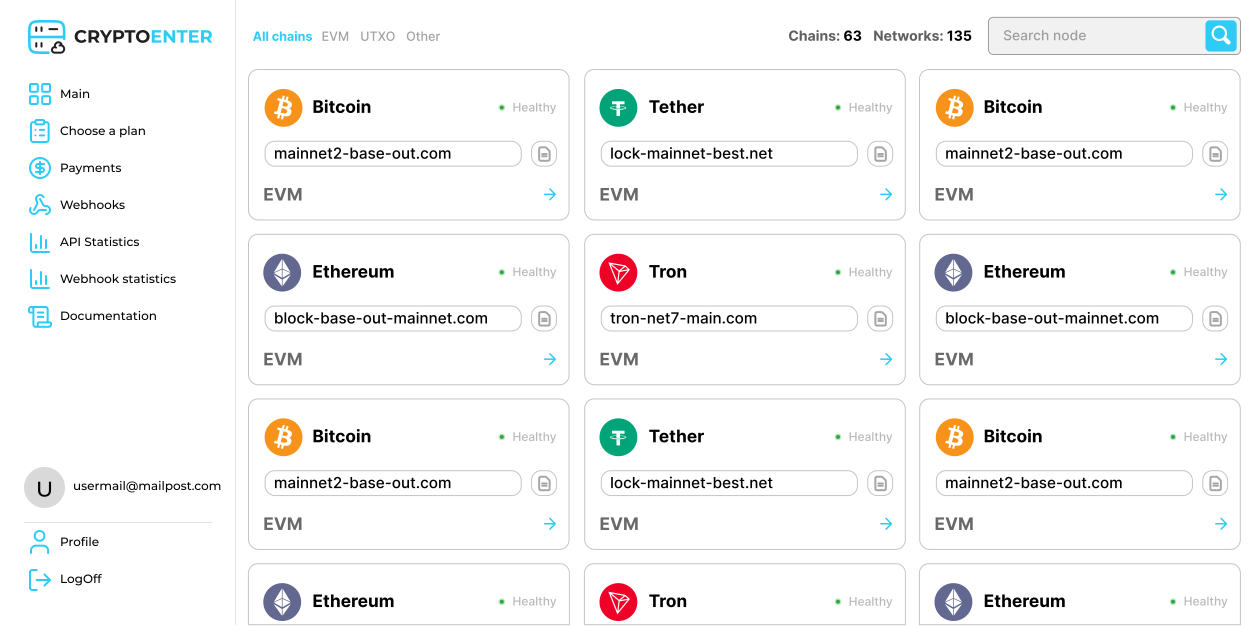
One API. 20+ Blockchains
One RPC provider - 110+ blockchains and thousands of tokens. We regularly add new chains, including by request from our users. Check out our crypto node list
-
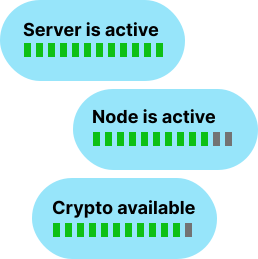
Guaranteed 99.95% uptime
Reliable performance under any load — with failover nodes, global redundancy, and smart load balancing built in. We ensure stable performance and deliver on our SLA
-
Flexible pricing
Plans for any budgets without RPS limits on paid plans. Combine shared and dedicated tariffs to optimize costs without sacrificing performance. Сheck actual prices
-
Support 24/7
Our support team consists of experienced technical experts always ready to help. With a clear SLA, we guarantee fast, clear help, with first responses in under 3 minutes.
-
Multi-interface access
Choose between Blockbook, Tendermint, Blockfrost, and Index API - select interface for any task. View docs
-
WebSockets
Maintain real-time notifications for your exchange activities and receive instant updates on balances and transactions
-
Personalized Clusters
We’re available globally. Choose any desired location for a cluster of dedicated RPC Full and Archival Nodes



Frequently Asked Questions
What is a blockchain-RPC node?
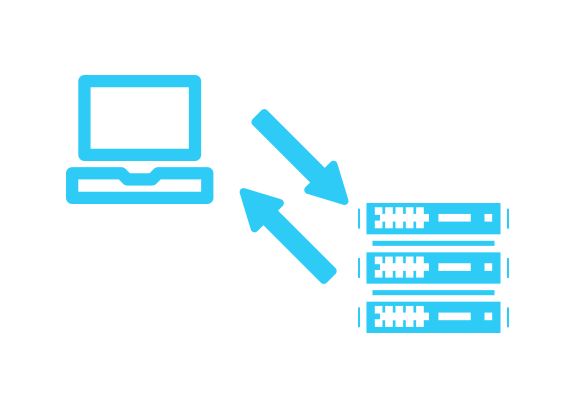
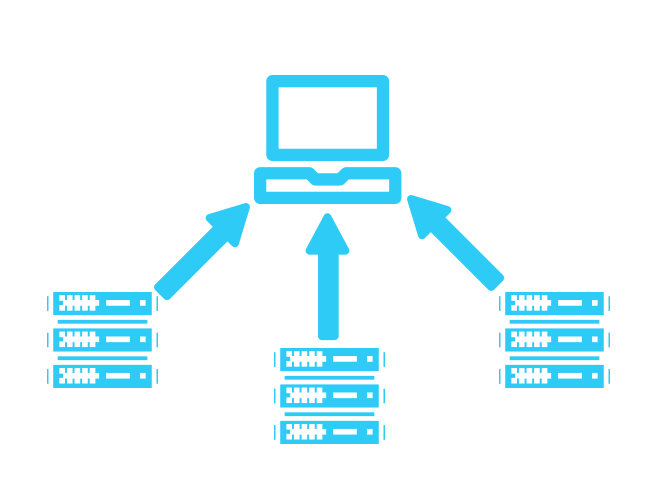
The Blockchain RPC (Remote Procedure Call) node is a server that allows wallets and dApps to interact with the blockchain - send transactions, read data, and execute smart contracts using API requests.
How do I use the CryptoEnter API key?
After logging into CryptoEnter and selecting a pricing plan, you need to go to the control panel in your account and scroll down. There you will see the Add new key button. Just click on the button and your API key will be ready for use.
Do not publish your personal API key publicly
You can use this API key for all available methods mentioned in our documentation
How do I connect to a full-fledged node via the API?
Get your API key on the control panel, select the supported blockchain and use the provided RPC endpoint to send requests - no configuration or hosting required.
Are public crypto nodes safe for development?
Yes, our public crypto nodes are safe for development. They offer secure read and write access for testing and assembly.
What is the difference between shared and dedicated nodes?
Shared nodes are used by multiple users and have speed limits. Dedicated nodes provide private access, higher speed and stability.
Can I get a free crypto node?
Yes, you can start with our starter plan, which provides access to shared crypto nodes with 100,000 requests in one month.

